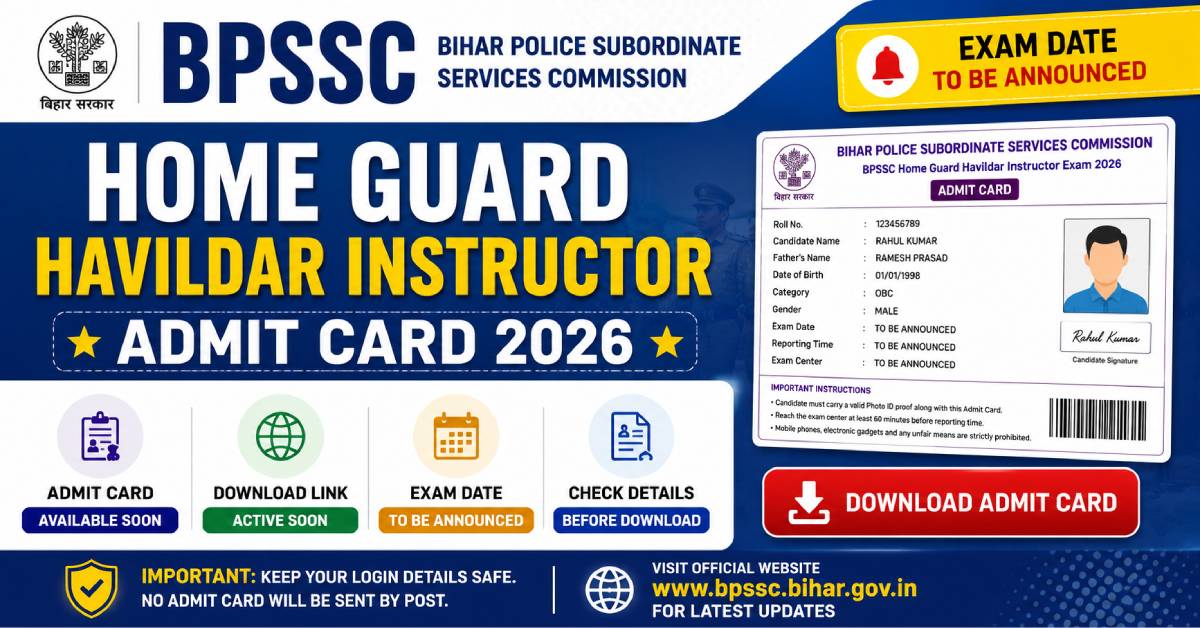


The Bihar Police Subordinate Services Commission (BPSSC) conducts the recruitment process for the post of Home Guard Havildar Instructor in Bihar Home Guard. Candidates who submitted their applications within the prescribed period will be able to download the admit card after logging in with their registration credentials. The hall ticket should be printed and carried to the examination centre along with a valid Government-issued photo identity proof.
| Particular | Details |
|---|---|
| Recruitment Authority | Bihar Police Subordinate Services Commission (BPSSC) |
| Post Name | Home Guard Havildar Instructor |
| Document | Admit Card / Hall Ticket |
| Mode of Availability | Online |
| Exam Mode | As Per Official Notification |
| Status | To Be Released Before Examination |
Why is the BPSSC Havildar Instructor Admit Card Important?
The admit card serves as the official authorization for candidates to appear in the recruitment examination. It also helps verify the identity of the applicant during the entry process and contains essential examination instructions that should be followed on the day of the examination.
Entry Permission
Required for admission to the examination centre.
Identity Verification
Used to confirm the candidate's identity during verification.
Exam Details
Displays exam date, reporting time, and examination venue.
Official Instructions
Contains important guidelines to be followed on examination day.
How to Download BPSSC Home Guard Havildar Instructor Admit Card 2026?
Candidates who have successfully completed the application process can download the BPSSC Home Guard Havildar Instructor Admit Card 2026 from the official recruitment portal once it is released. Applicants should keep their login credentials ready and verify all information printed on the hall ticket immediately after downloading it.
- Visit the official Bihar Police Subordinate Services Commission (BPSSC) website.
- Open the Recruitment / Admit Card section available on the homepage.
- Select the Home Guard Havildar Instructor Admit Card 2026 download link.
- Enter your Registration Number or Application Number.
- Provide your Password or Date of Birth in the required format.
- Complete the security verification (Captcha), if prompted.
- Click the Login / Download Admit Card button.
- Verify all the details displayed on the admit card.
- Download the PDF file and save it on your device.
- Print at least two clear copies for examination and future reference.
BPSSC Home Guard Havildar Instructor Exam Date 2026
The written examination will be conducted according to the schedule announced by the Bihar Police Subordinate Services Commission. The exact examination date, reporting time, examination shift, and examination centre will be mentioned on the candidate's admit card.
| Event | Status |
|---|---|
| Admit Card Release | Before the Examination |
| Written Examination | To Be Announced |
| Reporting Time | Mentioned on Admit Card |
| Exam Shift | As Allotted |
| Examination Centre | Printed on Hall Ticket |
Details Mentioned on the Admit Card
After downloading the hall ticket, candidates should carefully verify every detail printed on it. If any discrepancy is noticed, it should be reported to the recruitment authority before the examination date.
Candidate Name
Name exactly as recorded during registration.
Roll Number
Unique examination roll number assigned to the candidate.
Registration Number
Application or registration reference number.
Photograph & Signature
Uploaded photograph and digital signature for identity verification.
Exam Date & Time
Date, reporting time and examination shift.
Exam Centre
Name and complete address of the allotted examination venue.
Candidate Category
Category details submitted during online application.
Important Instructions
Rules and guidelines to be followed inside the examination centre.
Forgot Registration Number or Password?
If candidates are unable to access their admit card due to forgotten login credentials, they should use the password recovery or registration retrieval option available on the official recruitment portal. The recovery process generally requires the registered mobile number, email address, or other verification details submitted during the application process.
What to Do If There Is an Error on the Admit Card?
Candidates should review their admit card immediately after downloading it. If there are any mistakes related to personal information, photograph, signature, examination centre, or other important details, they should contact the BPSSC recruitment authority through the official communication channels before the examination date for necessary guidance.
Helpful Tips While Downloading the Hall Ticket
- ? Use a stable internet connection while downloading the admit card.
- ? Keep your Registration Number and Password readily available.
- ? Verify every detail printed on the hall ticket carefully.
- ? Download the PDF on both your computer and mobile device.
- ? Print multiple copies for future use.
- ? Do not make any manual changes or markings on the admit card.
- ? Follow all examination instructions mentioned on the hall ticket.
Documents Required Along with the Admit Card
Candidates appearing for the BPSSC Home Guard Havildar Instructor Examination 2026 should carry all the necessary documents to the examination centre for identity verification. Entry may not be permitted if the required documents are not produced during verification.
Printed Admit Card
Carry a clear printed copy of the downloaded hall ticket.
Valid Photo ID Proof
Aadhaar Card, PAN Card, Passport, Driving Licence, Voter ID, or any other Government-issued photo identity document.
Passport Size Photograph
Carry recent passport-size photographs if instructed in the official notification.
Additional Documents
Any other documents specifically mentioned in the official examination instructions.
Exam Day Guidelines
Candidates should carefully follow all instructions issued by the Bihar Police Subordinate Services Commission to ensure a smooth examination process. Arriving well before the reporting time helps avoid unnecessary delays and last-minute issues.
- Reach the examination centre before the reporting time mentioned on the admit card.
- Carry the printed admit card along with a valid original photo identity proof.
- Follow the instructions issued by the examination staff throughout the examination.
- Cooperate during identity verification and security checks.
- Occupy only the seat allotted on your admit card.
- Read all instructions provided in the question paper before starting the examination.
- Maintain discipline inside the examination hall.
Items Not Allowed Inside the Examination Centre
Candidates should avoid carrying prohibited items into the examination venue. Possession of unauthorized materials may lead to disqualification or other action as per the examination rules.
| Not Permitted | Examples |
|---|---|
| Electronic Devices | Mobile phones, smart watches, Bluetooth devices, calculators, earphones, tablets, laptops. |
| Study Material | Books, notes, handwritten papers, printed materials. |
| Writing Accessories | Any items not permitted under the examination guidelines. |
| Other Restricted Items | Any object prohibited by the examination authority. |
Expected Examination Pattern
The examination pattern will be conducted according to the official recruitment notification issued by BPSSC. Candidates should regularly visit the official website for any updates related to the syllabus and examination scheme.
| Component | Details |
|---|---|
| Mode of Examination | As Prescribed in the Official Notification |
| Question Type | Objective Type (If Applicable) |
| Subjects | As Mentioned in the Official Recruitment Notification |
| Duration | Refer Official Admit Card |
| Negative Marking | Applicable Only If Specified in the Official Notification |
Important Points to Remember
Candidates should ensure that all examination-related formalities are completed before the examination date to avoid inconvenience.
- Download the admit card well before the examination date.
- Verify your personal details immediately after downloading.
- Visit the examination centre location in advance if required.
- Carry only the permitted documents and materials.
- Follow all instructions mentioned on the admit card.
- Preserve the admit card until the entire recruitment process is completed.
- Keep checking the official BPSSC website for updates regarding results and further selection stages.
Frequently Asked Questions
1. When will the BPSSC Home Guard Havildar Instructor Admit Card 2026 be released?
Ans: The admit card will be published online before the scheduled examination. Candidates should regularly visit the official BPSSC website for the latest updates.
2. How can I download the BPSSC Admit Card 2026?
Ans: Visit the official BPSSC portal, open the Admit Card section, enter your Registration Number and Password/Date of Birth, and download the hall ticket.
3. What documents should I carry to the examination centre?
Ans: Candidates should carry a printed copy of the admit card along with an original Government-issued photo identity proof. Additional documents, if required, should be carried as mentioned in the official instructions.
4. What should I do if there is an error on my admit card?
Ans: If any incorrect information appears on the hall ticket, contact the BPSSC recruitment authority immediately through the official communication channels before the examination date.
5. Is a digital copy of the admit card accepted?
Ans: No. Candidates are generally expected to carry a printed copy of the admit card unless otherwise specified by the recruitment authority.
6. Can I change my examination centre after the admit card is issued?
Ans: The allotted examination centre is generally final. Any modification is subject to the decision of the recruitment authority.